
Stack Market times your live poker session from the moment you sit down. Log rebuys, stack updates and notes as you play, pause the clock for breaks, and set an automatic or custom stop-loss before the first hand, so a losing night has a limit you chose.
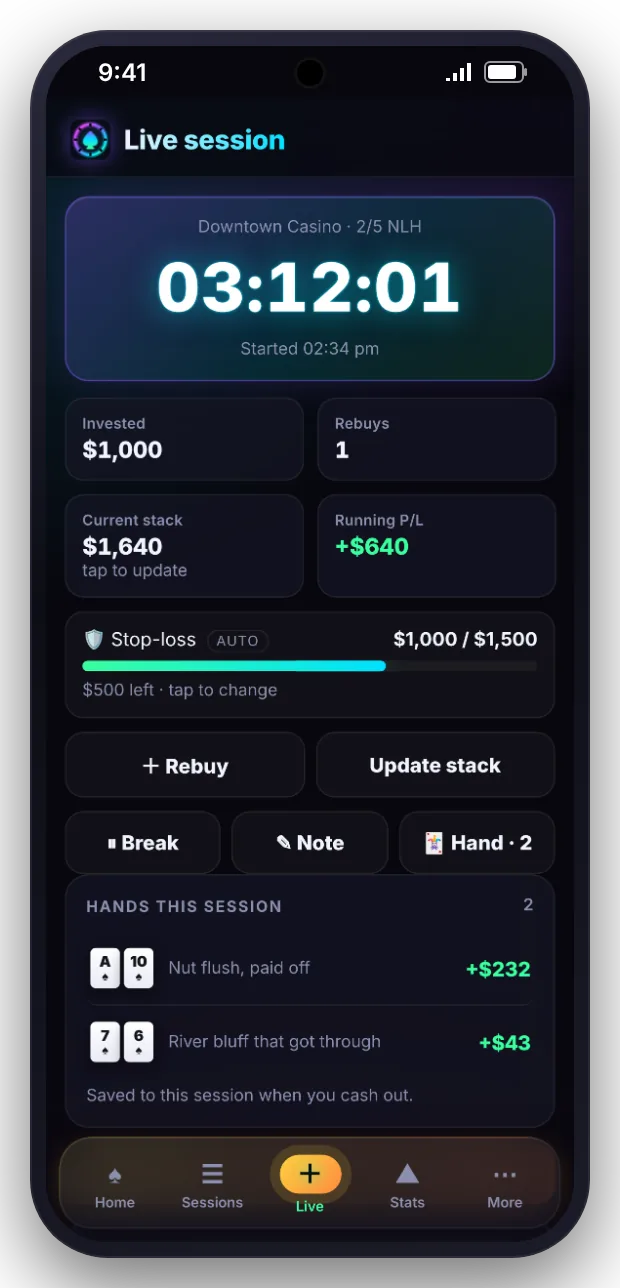
Pick the venue, game and stake, or start from a saved template. The timer starts immediately.
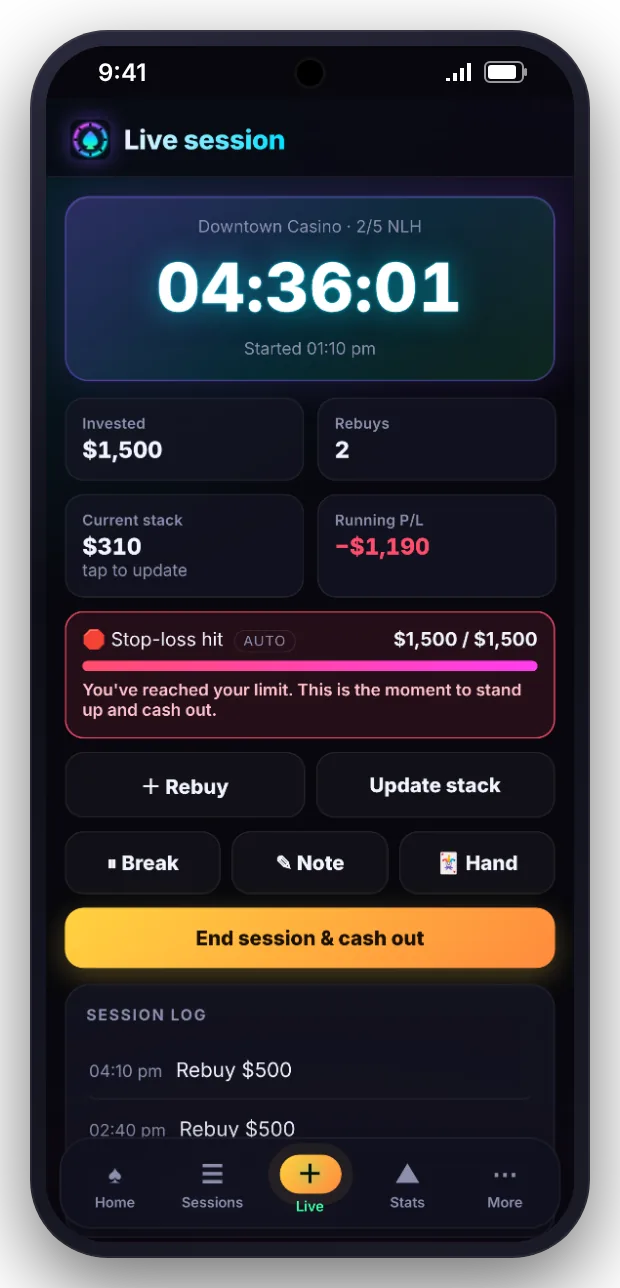
Add rebuys and top-ups as they happen. Update your stack, add a note or take a break at any point.
Big pot? Record it from the session screen and it attaches to this session automatically.
Enter what you leave with. Profit, duration and hourly rate are saved to your history.
An automatic stop-loss can be based on a number of buy-ins or a percentage of your bankroll, or you can enter your own amount. The session screen shows how close you are, and Stack Market warns you clearly when you reach it.
Hands recorded during a session are listed on the session screen and saved with it, so reviewing a session later brings back the hands that decided it.


Save the venue, game, stake and usual buy-in as a template. Starting the next session at the same game takes a single tap.

Every additional buy-in is timestamped and added to the total invested.
Update your current stack to see your live result at any point, and pause the clock for breaks.
Table conditions, players and reads, saved with the session.
Record tips and costs so your net result reflects what you actually took home.
Buy-ins, re-entries and cashes for tournaments and Sit & Gos.
Every finished session appears on the calendar by day, month and year.
Anything else? Ask in the beta group and we will answer.
Stack Market warns you as you get close to your limit and marks the session when you hit it. If you try to rebuy past the limit, or raise the limit once you are close to it, the app asks you to confirm first, so the decision is a deliberate one.
Yes. Tap Rebuy during a live session and enter the amount. Every rebuy is timestamped and added to your total buy-in, and the stop-loss counts the full amount you have put in, so your results and your limit stay accurate as the night goes on.
No. Pause the session clock with the Break button and resume when you sit back down. Break minutes are saved with the session and taken out of the playing time, so your hourly rate reflects the hours you actually played rather than the hours you were in the building.
Yes. Add a quick note at any point during a live session, such as a read on a player or how you are feeling. Each note is saved with the time it was written and stays attached to the session when you save it.
When you end the session, Stack Market fills in the start and end time, breaks, buy-ins and your last stack update. You check the details, add anything missing such as tips or expenses, and save it. The session then counts in all of your statistics.
Join the beta to get Stack Market on Android.