Your bankroll updates itself after every session, deposit and withdrawal. Stop-loss rules, monthly goals and a variance simulator help you make the decisions that keep it growing.
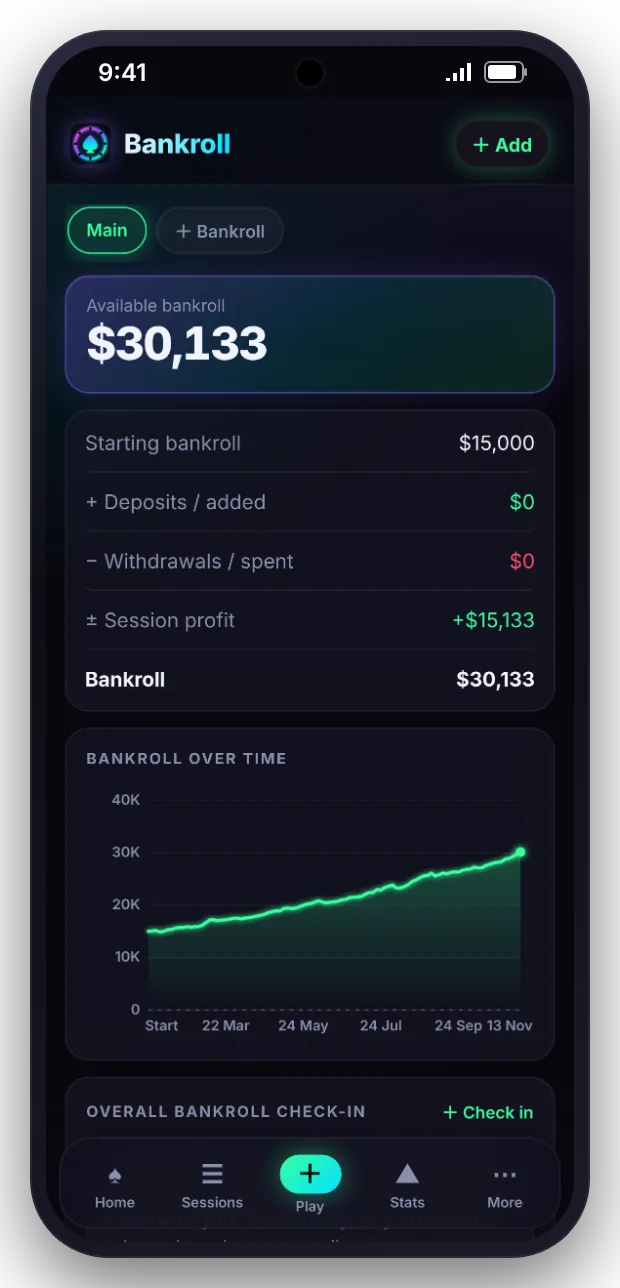
Session results feed the bankroll automatically. Add deposits, withdrawals and transfers between accounts, and see the balance over time and in buy-ins for your stake.
Bankroll over time
Deposits, withdrawals and transfers
Bankroll health on the home screen
Discipline
Rules you set in advance, reminders when it counts.
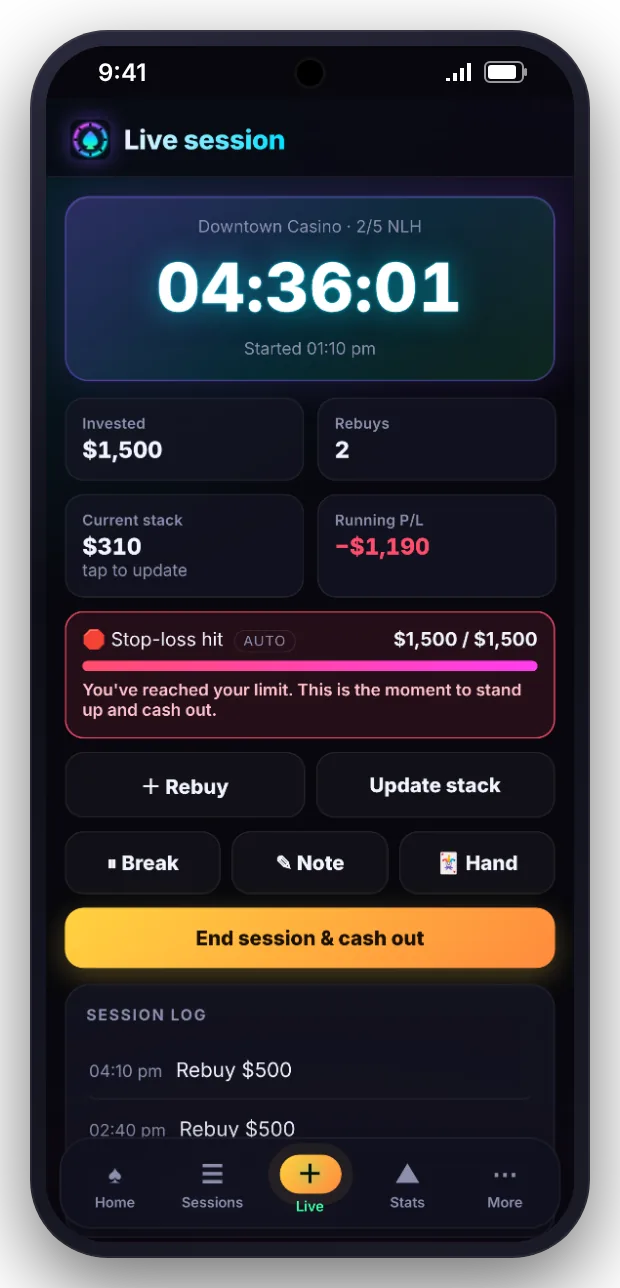
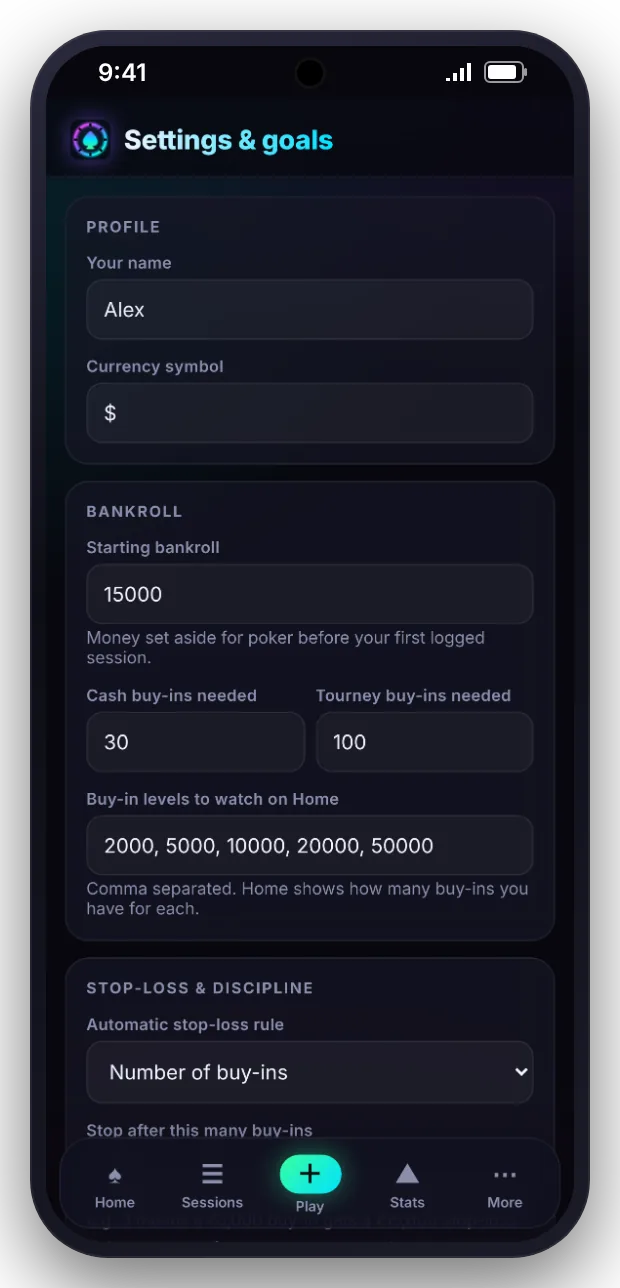
Choose how your stop-loss is set: a number of buy-ins, a percentage of your bankroll, or off. During a live session Stack Market shows the limit and warns you when it is reached.
Stop-loss by buy-ins or bankroll percentage
Warning during live sessions
Sessions where the limit was broken are noted
Risk and variance
Separate a downswing from a leak.
Use the variance simulator and bankroll calculator to see the swings your win rate can produce, and the stakes your bankroll can support.
Variance simulator
Bankroll calculator
Swings and consistency in your statistics
Habits
Small systems that add up over a year.
Monthly goals
Set a monthly target for profit and for hours played, and track progress on the home screen.
Bankroll health
A quick view of how many buy-ins you hold for the stakes you play.
Transfers
Move money between accounts without distorting your results.
Money owed
Keep loans and IOUs out of your bankroll until they are paid.
Tips and expenses
See how much tips, travel and costs take from your gross result.
Insights
Plain statements about what your data shows, such as hourly rate by session length.
Questions
Frequently asked
Anything else? Ask in the beta group and we will answer.